
Carrier Services by Google for Android
20250826_00_RC00 · Google LLC · Page updated
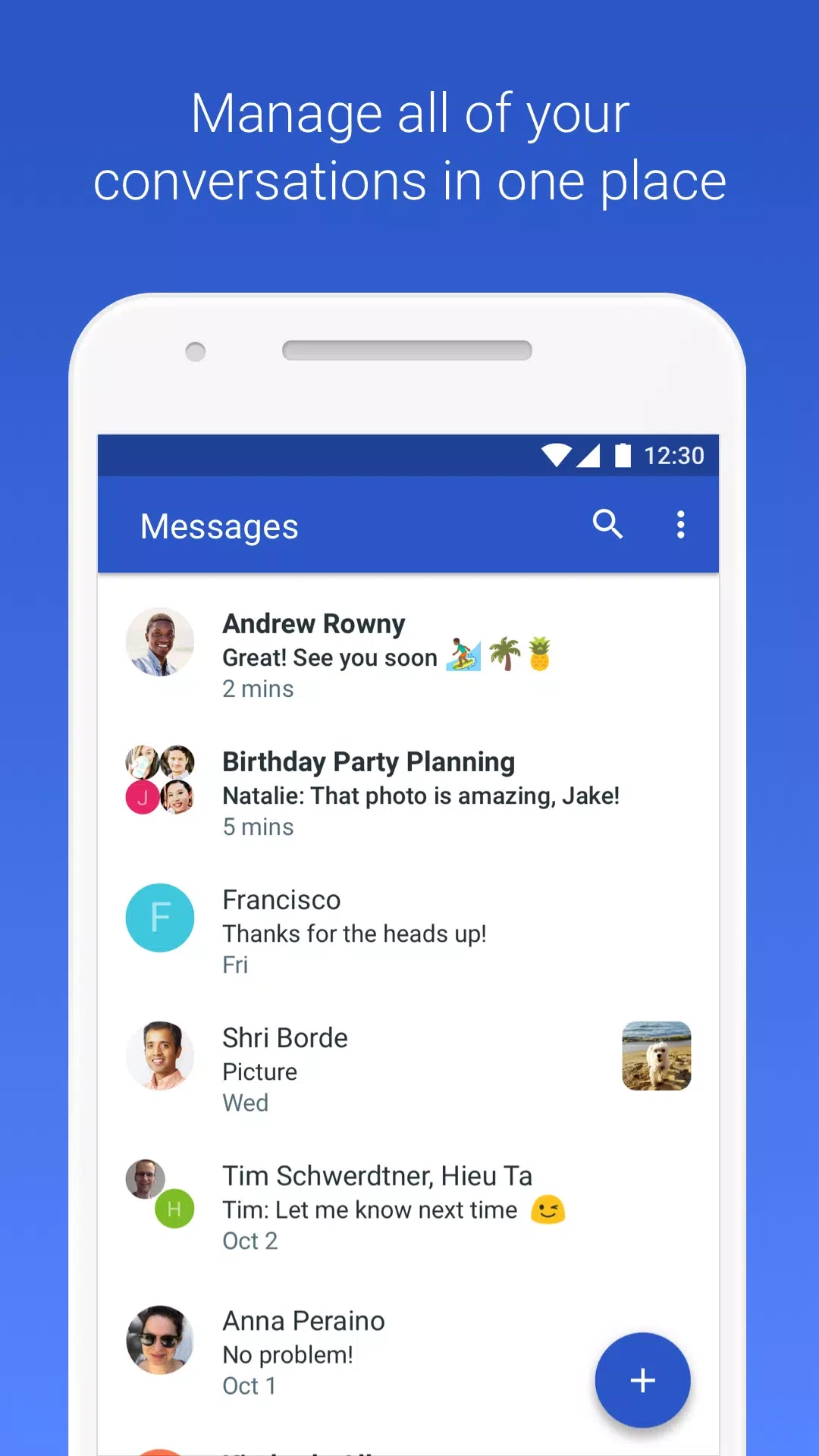
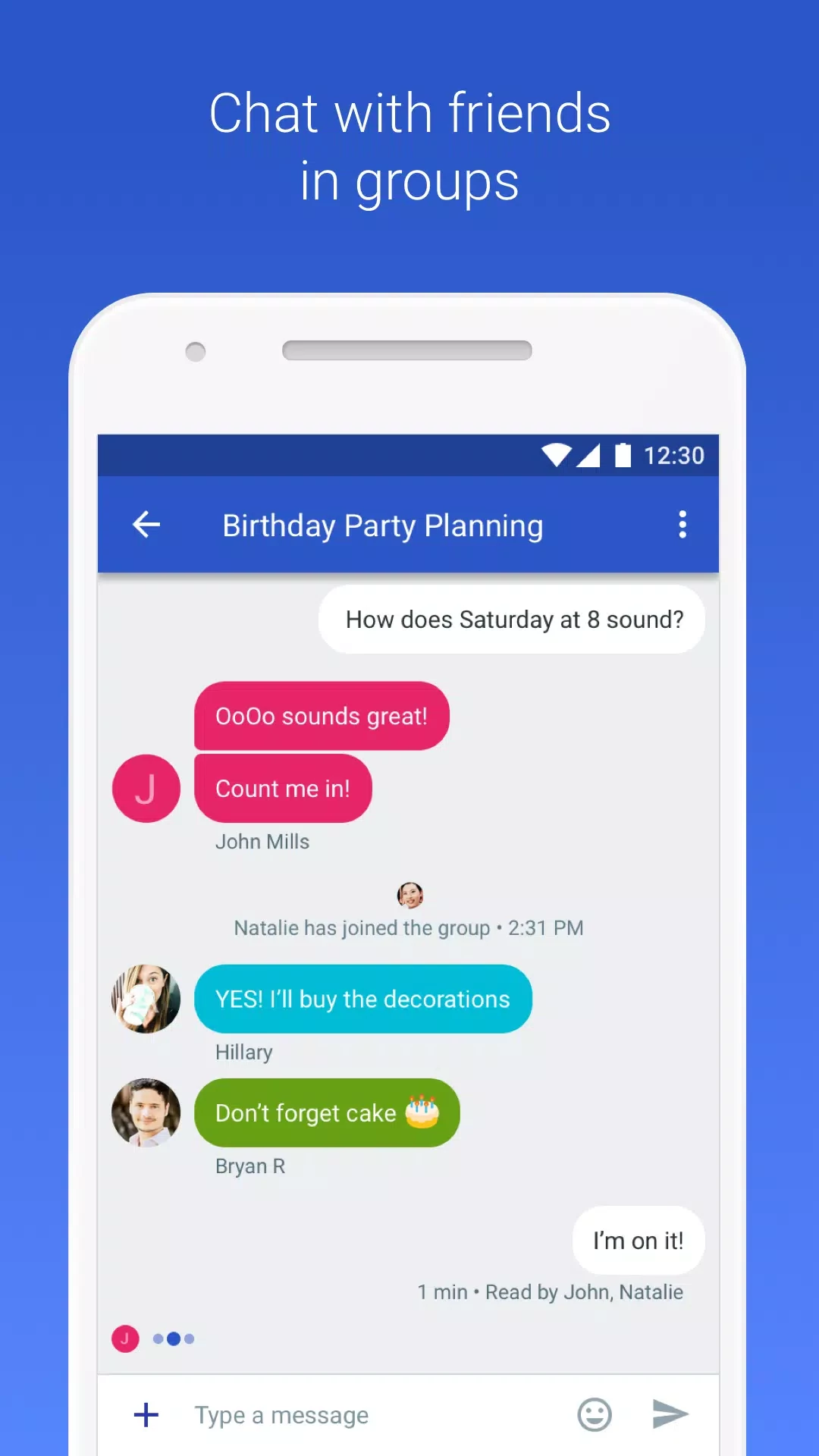
Carrier Services is a Google system app for Android that enables modern messaging features such as RCS chat in Google Messages and keeps them up to date.
Rate Carrier Services
Average 0.0 · ratings: 0
Thank you! Your rating is saved; you can change it. Could not save the rating. Please try again later. Too many ratings from your network today. Please try again tomorrow. The average appears after 5 ratings.
Screenshots
About Carrier Services
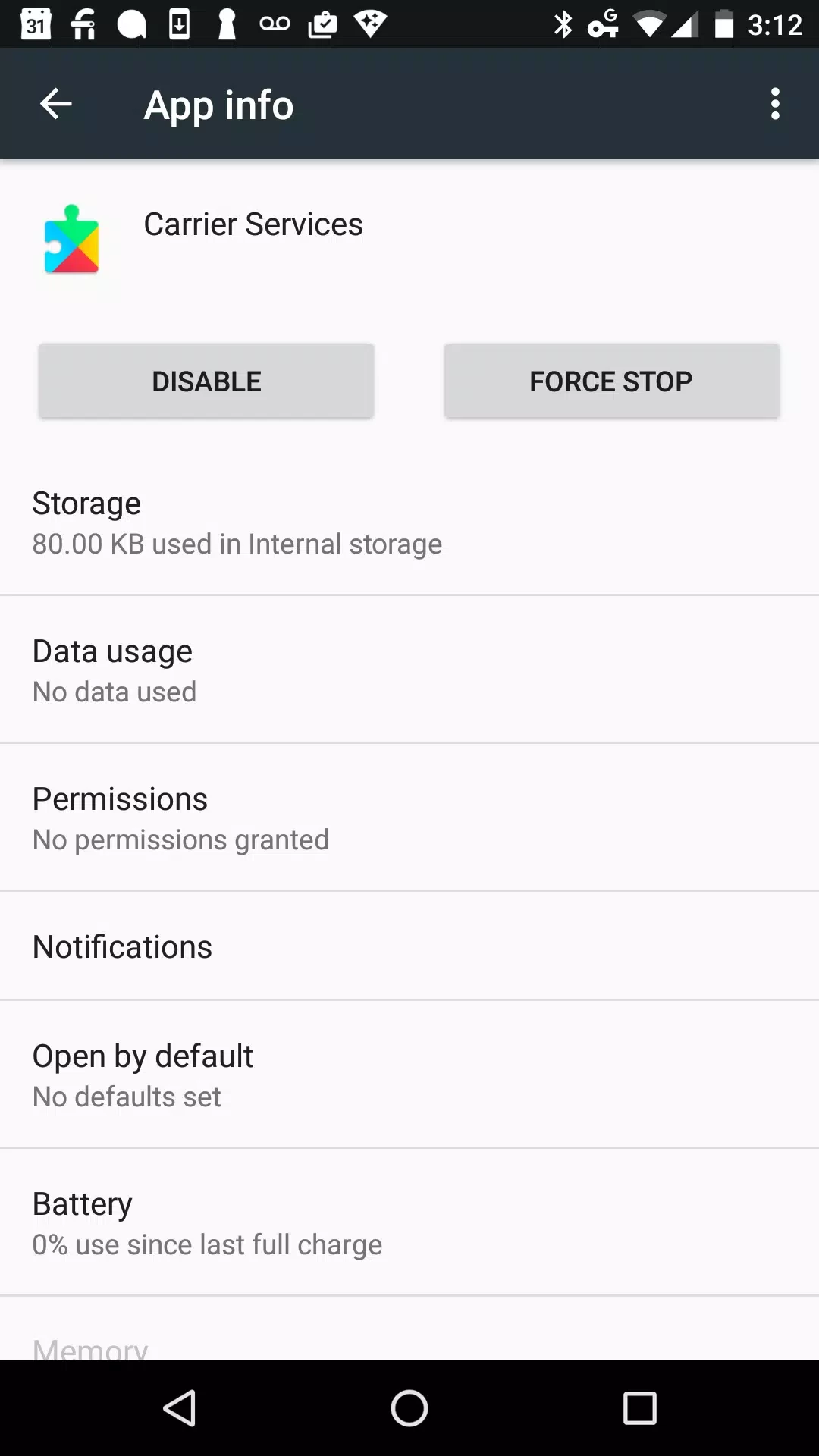
Carrier Services 20250826_00_RC00 is a Google system component for Android phones. It works in the background to enable modern communication features with mobile carriers, most visibly RCS chat in Google Messages: typing indicators, read receipts, high-quality photos and messaging over Wi-Fi or mobile data. You do not open it like a normal app; you can download Carrier Services for Android from Google Play, where it is updated like any other app.
Overview
Classic SMS and MMS are decades old: short text limits, low-resolution pictures and no delivery details. RCS, short for Rich Communication Services, is the modern standard that replaces them inside the regular messaging app. For RCS to work, the phone needs a component that talks to the carrier and to Google's messaging services, and that is Carrier Services. It keeps the connection registered, handles capability checks and receives improvements through Google Play without a full system update. That is why it appears in the list of apps that want updates, even though you never tap on it. If you uninstall its updates or disable it, chat features in Google Messages may stop working and conversations fall back to SMS. On some phones, the same component also supports other carrier features. There is no user interface to learn: keeping it up to date is all it needs.
Installing and updating
- Open the Carrier Services page on Google Play.
- Install or update it; the developer must be Google LLC.
- Open Google Messages and check the chat features status in its settings.
The download is about 9.22 MB according to catalogue data.
If chat features do not work
- Update both Carrier Services and Google Messages from Google Play.
- Make sure mobile data or Wi-Fi is on and the phone number is verified in Messages.
- Turn chat features off and on again in Messages settings.
- Restart the phone and wait a while; activation can take time.
- Contact your carrier if the problem persists, as RCS availability can depend on the carrier.
Does it use my data plan?
RCS messages travel over mobile data or Wi-Fi rather than as SMS. Text uses very little data, while photos and videos use more; on Wi-Fi this does not count against your plan. When chat features are unavailable, Google Messages falls back to SMS and MMS, which your carrier bills as usual.
Privacy
Carrier Services is an official Google component. Install it only from Google Play; an app with the same name from another source should be treated as suspicious. In Google Messages you can see whether a conversation uses end-to-end encryption.
Key facts
| Item | Details |
|---|---|
| Version | 20250826_00_RC00 |
| Developer | Google LLC |
| Platform | Android |
| Licence | free |
Pros and cons
- Pro: enables modern RCS chat features.
- Pro: updated through Google Play without system updates.
- Pro: runs in the background, nothing to configure.
- Con: no visible interface, so problems are hard to diagnose.
- Con: features depend on carrier support.
Alternatives
Carrier Services works together with Google Messages. For messaging over the internet regardless of carrier, our listings include WhatsApp Messenger, Telegram and Viber.